

Home office ergonomic desk setup is no longer a buzzword—it’s a necessity. If you spend hours working from home, a poorly arranged workspace leads to discomfort, injuries, and lost productivity. This guide covers what matters, practical steps, and honest warnings so you can get a real ergonomic setup, not just another Pinterest-worthy desk.
Key Takeaways
- A well-designed ergonomic desk setup boosts productivity by up to 17% and cuts health risks.
- Common mistakes—like monitor height and chair positioning—cause real pain for 88% of remote workers.
- Investing in adjustability, smart features, and the right workspace pays off faster than you might think.
- What Is a Home Office Ergonomic Desk Setup?
- How to Create an Ergonomic Desk Setup at Home: Step-by-step
- Real-World Pitfalls & Mistakes to Avoid
- Conclusion & Next Steps
- FAQ
What Is a Home Office Ergonomic Desk Setup?
Ergonomics is the science of arranging your workspace to fit you and the work you do. A home office ergonomic desk setup means your desk, chair, monitor, and accessories are positioned to minimize discomfort, reduce health risks, and boost output. It’s about making work feel easier—physically and mentally.
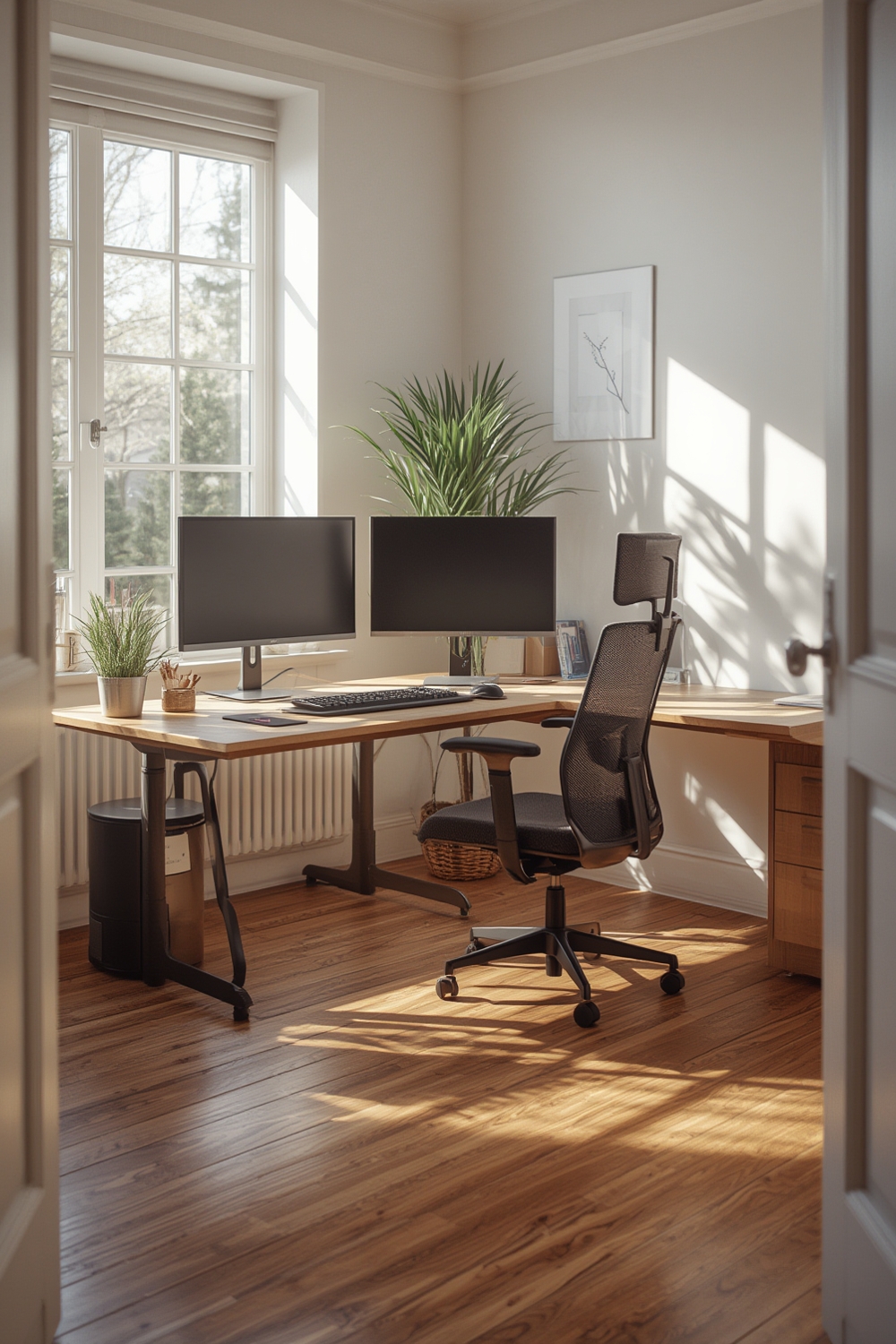
With the global home office furniture market hitting $15.5 billion in 2024, more professionals are investing in their work-from-home setups. But despite the buzz, 88% of users still report pain—mostly neck and lower back—often due to poor setups. That’s why truly understanding the essentials of ergonomic desk arrangement matters, for productivity and long-term health.
If you’re updating your space, consider pairing this with home upgrades that add value and comfort.
How to Create an Ergonomic Desk Setup at Home: Step-by-step
Ready to transform your home office? Here’s an actionable, five-step process to get your workstation right—no guesswork, no jargon, just proven results:
- Define your workspace: You need at least 4 feet by 5 feet of clear, dedicated space. Avoid kitchen tables or couches. If possible, position your desk near natural light for morale and eye comfort.
- Pick the right desk: Prioritize flat, stable surfaces. height-adjustable or standing desks offer flexibility—residential models, like those from FlexiSpot, justify higher prices with app controls, wellness tracking, and compact builds (more on the standing desk market).
- Choose a supportive chair: Lumbar support is non-negotiable. Your hips should be slightly higher than your knees, feet flat on the floor. If your chair lacks adjustability, use cushions or small pillows.
- Optimize monitor placement: The top third of your monitor should be at or slightly below eye level, about an arm’s length away. Laptops should ALWAYS be raised (use stands or even a stack of books). Optimize monitor placement
- Accessorize for comfort: Use an external keyboard and mouse kept close to reduce strain. Consider a footrest and a desk lamp with adjustable brightness.
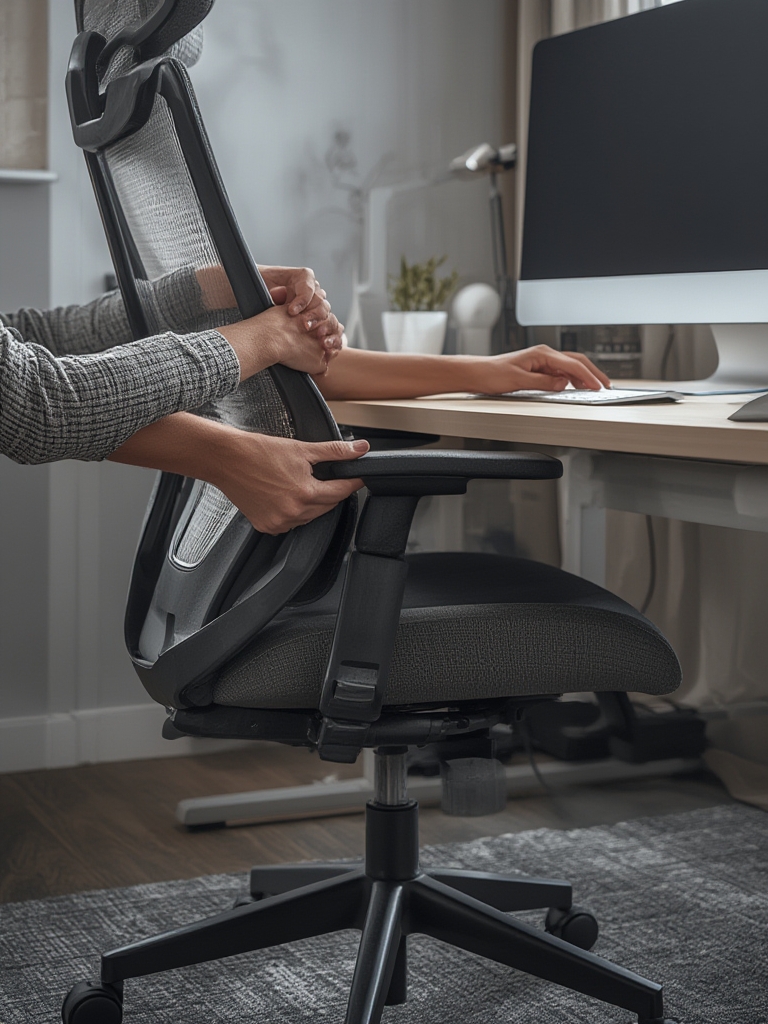
To maintain your setup, build a basic home maintenance checklist that includes checking your chair and desk for wear and revisiting your posture monthly.
Want to take it further? Adding DIY office projects like floating shelves or acoustic panels can boost function and comfort.
Real-World Pitfalls & Mistakes to Avoid
Despite billions spent on ergonomic furniture, most home office users get the basics wrong. Here are the top pitfalls and how to steer clear of them.
| Mistake | What Happens | How to Fix |
|---|---|---|
| No dedicated desk (40%) | Leads to bad posture and distractions | Invest in a proper desk or table; even a sturdy folding table is better than a couch |
| Monitor too low (52%) | Neck/upper back pain, poor focus | Raise monitor using stands, blocks, or a stack of books |
| Chair too low (41%) | Hip and lower back strain | Add a seat cushion or adjust chair height if possible |
| Monitor not centered (31%) | Twisting, visual fatigue | Always align screen straight ahead at eye level |
| Inadequate workspace (25%) | Clutter, constant reaching, increased distraction | Declutter and organize supplies within arm’s reach |
Standing desks come with their quirks, too. Though the market is booming (over $5.12 billion in 2024), users complain about fatigue when overused, setup complexity, and cost—high-end desks now integrate smart features to justify price. Still, sitting and standing in moderation is key; neither should dominate your day.
Most worrying: only 20% of people can define ergonomics, according to this study. Education matters as much as equipment. For deeper upgrades, pairing ergonomic changes with guided home renovation advice ensures your workspace and environment keep up with your needs.
Conclusion & Next Steps
With the right home office ergonomic desk setup, you cut risk, boost output, and gain energy for everything beyond work. Start with what you have, follow the step-by-step guide, then level up as budget and time allow. A smarter setup is the backbone of well-being for anyone working from home.
Ready to take action? Review your space today, fix what you can, and explore other comfort-boosting home upgrades for a holistic change.
FAQ
What is the ideal desk height for ergonomic comfort?
For most people, a desk height of 28 to 30 inches fits standard ergonomic guidelines, but adjust according to your height and chair position. Your elbows should be at roughly a 90-degree angle when typing.
How far should my monitor be from my eyes?
Position your monitor about an arm’s length away (approximately 20 to 28 inches). The top third of the screen should be at or slightly below eye level for best comfort.
Are standing desks really worth it?
Standing desks help break up sitting time, which may reduce some health risks. They’re most effective when you alternate between sitting and standing throughout the day, rather than standing for hours straight.
What are budget-friendly ways to make my home office ergonomic?
Use simple household items—books to raise monitors, rolled towels for lumbar support, and an external keyboard and mouse for better wrist posture. Make small adjustments consistently for the biggest impact. For extra ideas, see our DIY home improvement projects guide.
When should I consider an upgrade to a smart or height-adjustable desk?
If you work remotely long-term or experience recurring discomfort, upgrading to a height-adjustable desk with app controls or posture reminders can justify the higher cost—especially as technology advances and prices become more competitive.